Showing posts with label cricut font. Show all posts

Sunday, August 19, 2012

Overview of Exclusive Preloaded Cricut Cartridge Gypsy Font

We took a look at Gypsy Wanderings on Friday, now lets look at Gypsy Font.  This is another preloaded cartridge exclusive to Gypsy owners.that cannot be purchased on its own.  Because there are very few images and no phrases on this cartridge, I do not have a cartridge Table of Contents (I am now calling the "cheat sheet with page numbers" a Table of Contents" for simplicity's sake) pdf for download.  In this post, we will cover:
  • The sample sheet provided by Provocraft when you purchase the Gypsy
  • a closer look at the font, numbers and other primary images on the cartridge
  • a view of the handbook with 9 handbook pages per 1, 8.5 x 11 page including a PDF download for your quick reference
  • a look at a handbook page and all the features per key
  
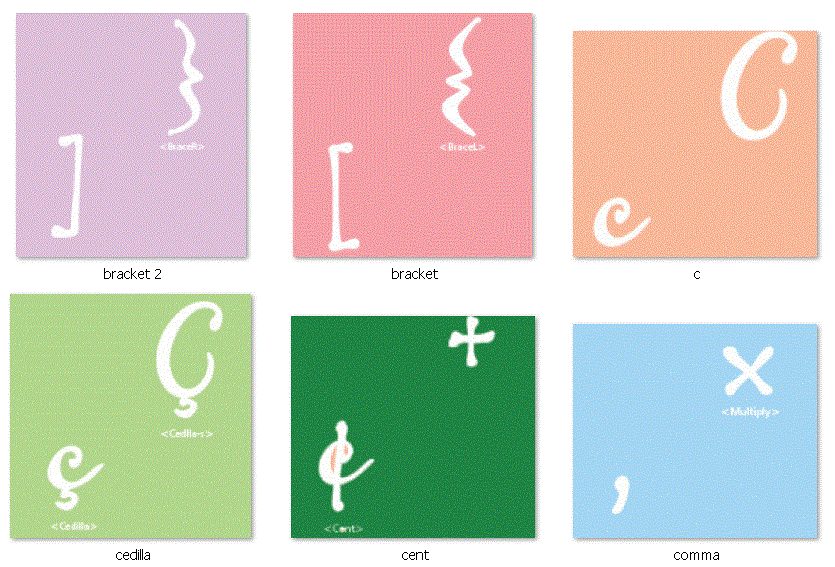
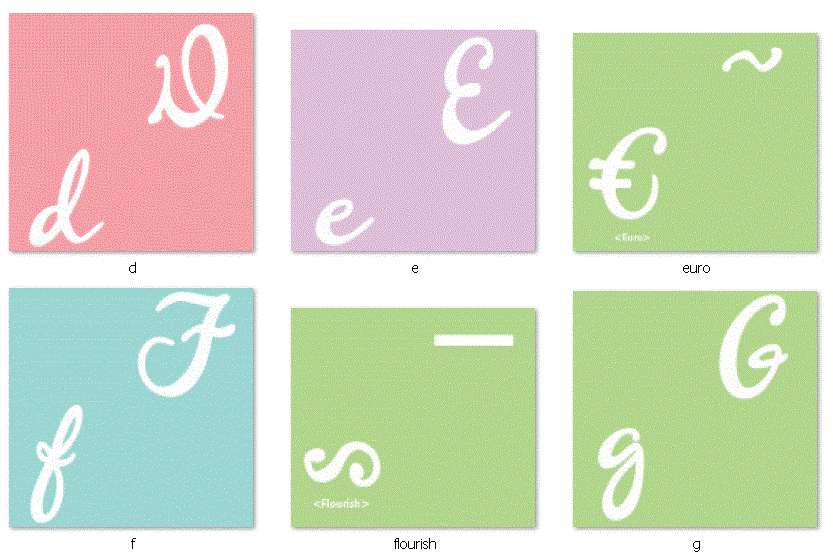
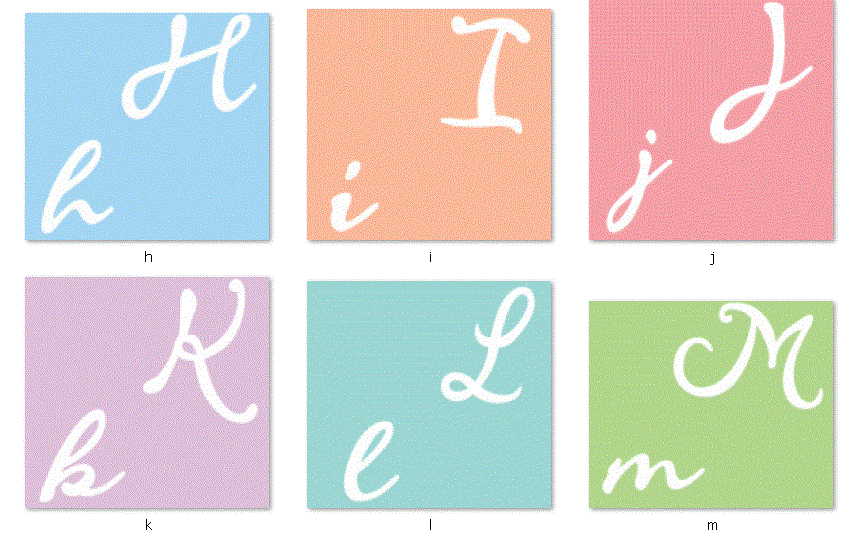
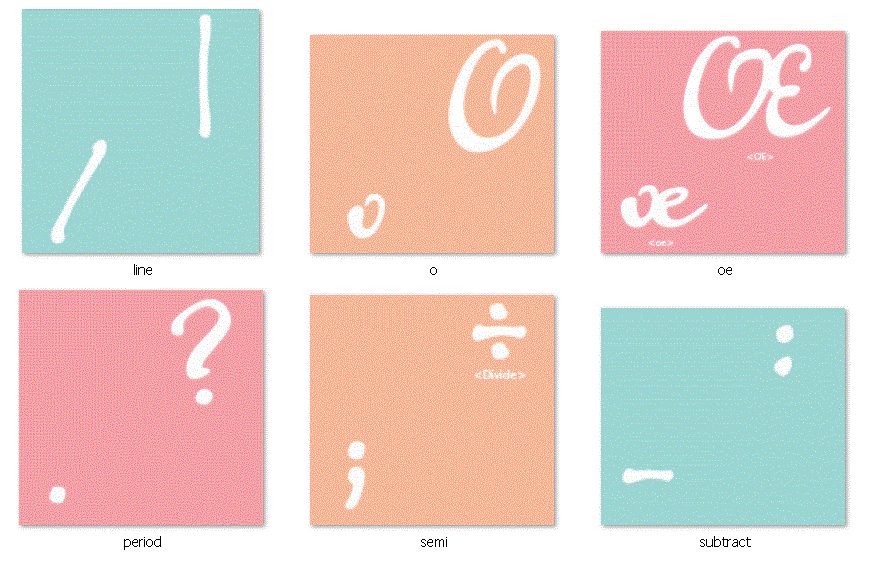
Above is the sample sheet you receive in the box when you purchase a Gypsy.  While it shows you all of the letters and so forth, it doesn't show you everything you really get with the cartridge.  Below is a look at all of the primary images on the cartridge.


I find it helpful to to see the fonts as a collection rather than isolated in a "per page" arrangement.  This allows me to envision the font used in words and welded together.  

Let's take a look at the handbook.  There are 9 pages below; each has 9 handbook pages on it.  
You can download a PDF copy of this Gypsy Font Handbook Reference Sheet by clicking the link below. You should print this out in horizontal orientation. 
 I did not create this configuration- This is the handy work of another devoted cricuteer Patty Goulden. I found this reference PDF through the Cricut message board along with many other cartridge handbooks.  Click here to view this goldmine of Cricut handbook information. Some cartridges are 6 per page and some are 9 per page.  You can view this thread by clicking here.
 Below is a look at a handbook page to show you the images you get when you use the feature buttons.


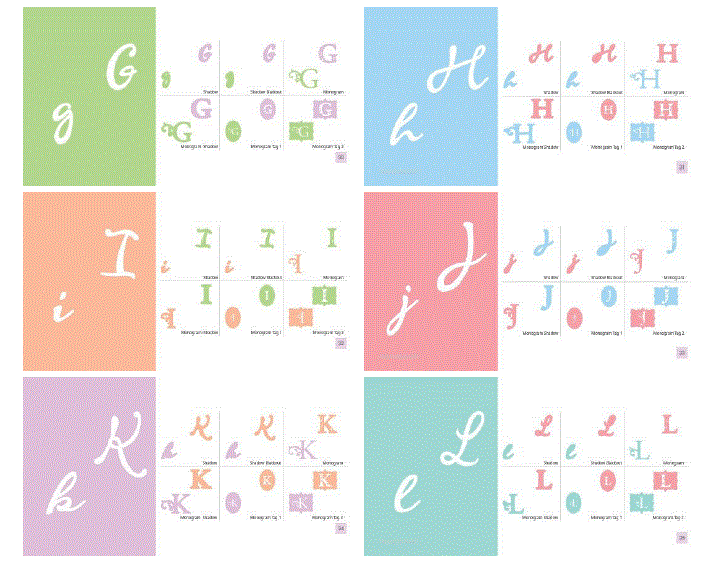
Each letter is both lower case and capitalized. Coordinating with the primary image letters, you get a shadow and blackout to add dimension.  You also get 2 monograms and monogram shadows in capital letters only and 2 monogram tags with shadows.

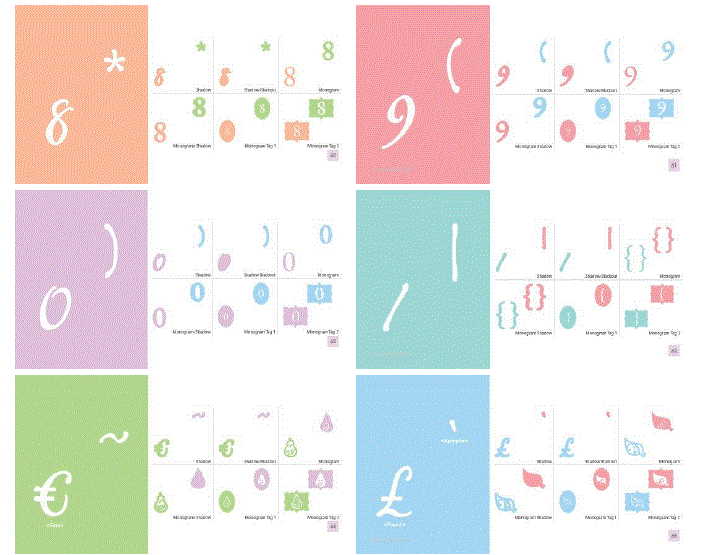
Below are 10 images that are included on the cartridge.  Because many of them are abstract, I did not create a table of contents for reference.
  
Let me know if you have any additional questions about this cartridge.  I hope this information is helpful.  

Wednesday, July 18, 2012

Cuttin Up - an oldie but goodie!

Today we are looking at an oldie but a goodie Cricut Font cartridge - Cuttin' Up.  I probably use this font more than any other.  It's weight and whimsy seem to match my scrapbooking style better than most.  Below is the cartridge sample sheet Provocraft prints on the back of the cartridge box. It is pretty comprehensive compared to most samples.
Cuttin' Up has both an upper and lower case alphabet, numbers 0-9, most of the punctuation marks and symbols, 3 cards, 10 sentiments and a few images. The handbook creative features include: Cartoon, Holy Cow, Serifs, Short Stack, Shadow, and Cartoon Shadow.  Below is a page out of the handbook showing each of the creative features:
The "A" on the left side of the page in the green box in the primary image / letter.  The Cartoon version of "A" is a little more playful. The Holy Cow version has a round hole rather than a triangle (example in the capital "A"). The Serifs version has serifs. The Short Stack version has a smashed appearance.  The Shadow can be used alone as a bolded letter or underneath the primary "A" to create dimension. The Cartoon Shadow works the same way for the Cartoon version of the font.

This handbook page shows one of the three card options available on the cartridge. Each card has the primary card option plus six additional card styles to choose from.
This handbook page shows one of the ten sentiments on this cartridge.  Each of these phrases is welded together so you do not have to worry about adhering the letters in a straight line or maintaining the correct spacing.  The six versions of the phrase can be created by selecting the corresponding feature key.  Add shift to your selection and Cricut will cut the party hat image above that phrase.

To view the entire handbook and see all of the options available on the cartridge, click here. 

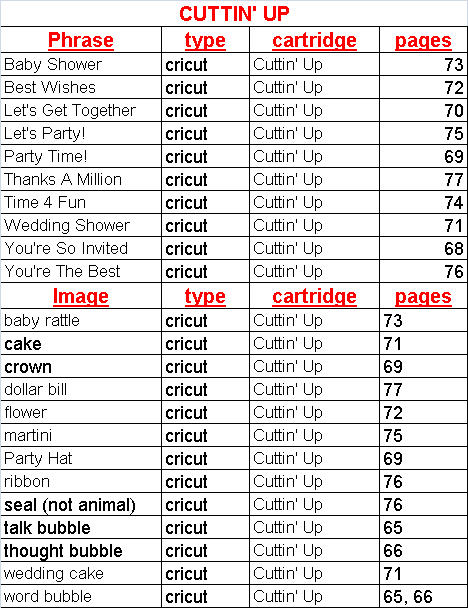
Below is a spreadsheet with all of the images and phrases on this cartridge with their page numbers.  Cuttin' Up has a very short list since it is primarily a font cartridge, but it may come in handy just the same. If you find any errors in the spreadsheet, please let me know so I can correct them. If you would like to share this information on your blog, instead of copy and pasting or embedding this information, please paste a link to my site. The spreadsheet below is saved as a JPEG but you can download a PDF version of Cuttin' Up here: