Showing posts with label cricut cartridge handbook. Show all posts

Sunday, December 2, 2012

Cricut Cartridge, Simply Charmed Overview

The holidays are at my heels and I have been off the grid with lots of projects and family time.  Thanksgiving came and went in the blink of an eye and now we have Christmas coming up fast.  I am very involved in the Holiday Gift Shop at my children's school, so all of my creative time has been dedicated to the bazillion details that make this event so magical.

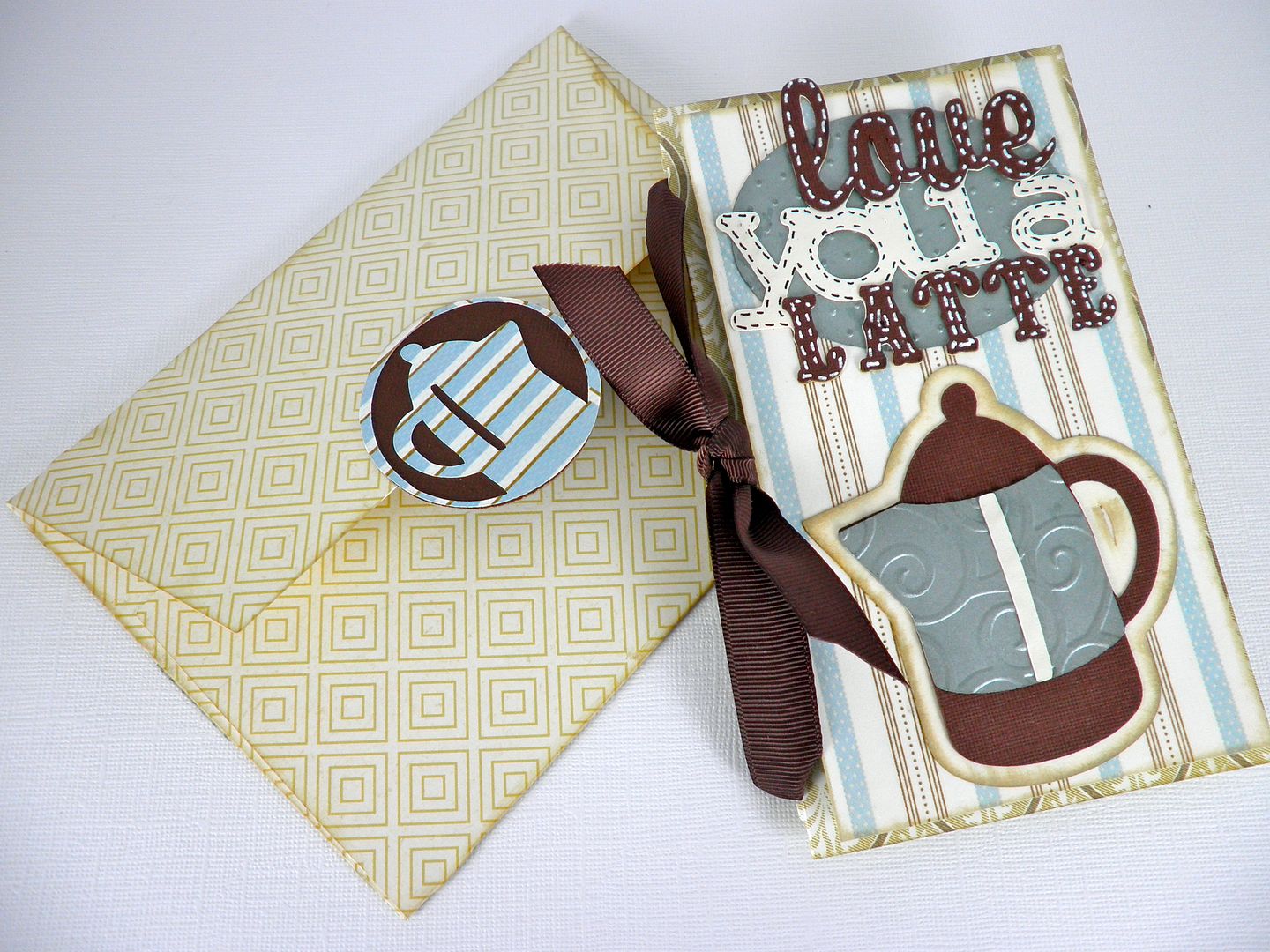
That said I apologize for neglecting my blog and especially for failing to post a cricut cartridge comprehensive overviews for so long.  Today I am presenting the fun and broad ranging cartridge, Simply Charmed.  This was one of the first cartridges I purchased with my Expression and I definitely put some miles on it.  It has such a variety of images that I was able to rely on it for a good amount of time before I started investing in more cartridges. 

In this blog entry we will take a look at all the images and phrases on this cartridge.  We will discuss the cartridge format and there will be a table of contents PDF for you to download.  The table of contents contains all of the images or phrases included on the cartridge and their corresponding page numbers.

These are all of the images you can create with this fun cartridge.  There are 2 images per key on the overlay/ page in the handbook.  The first primary image can be retrieved by selected its key on the keypad and the second is cut by adding the shift key.  Each image is paired with a coordinated counterpart.  The bride and the groom, the moon and a star, pizza and a soda and Santa and a chimney are all examples of the pairings.

One of the greatest features of this cartridge is the number of layers it includes.  The more layers, the more dimension and variety in color.  Below is page 61 from the handbook which is related to Thanksgiving.
If we follow the color scheme as laid out in the the handbook, this is how the image is organized: We are looking at the turkey for this example which requires the shift key.

The primary image is the base and it is cut out in white.  All of the additional layers will be stacked on top of this aside from the shadow which will go underneath. The reason white is best for this base is because when it is fully assembled, the leg bones will not be covered by other layers and will appropriately be white.  The next key is "Layer 1" (with shift) which cuts out the drumsticks. "Layer 2" cuts out the body of the turkey. "Layer 3" cuts out the plate the turkey will rest on.  "Layer 4" will cut out the bed of lettuce that lays on the plate under the turkey.  Take note that the lettuce has a "plate shaped" lip on the bottom.  You will adhere your plate on top of this lip for proper placement.  The order of layering will look like this:
  • primary image
  • the body (there are slight cuts to indicate where to adhere the legs to the body)
  • the drum sticks
  • the lettuce
  • the plate
The final "layer" to the image is the shadow which you would place under the layered image to make the die cut pop which is especially helpful if you are putting it on top of white or patterned paper.

The last feature on this key/ page is the "phrase" which includes 1 layer for dimension (also known as the shadow.)  Below are all of the phrases included with this cartridge.
To view the entire handbook in pdf format, click here.

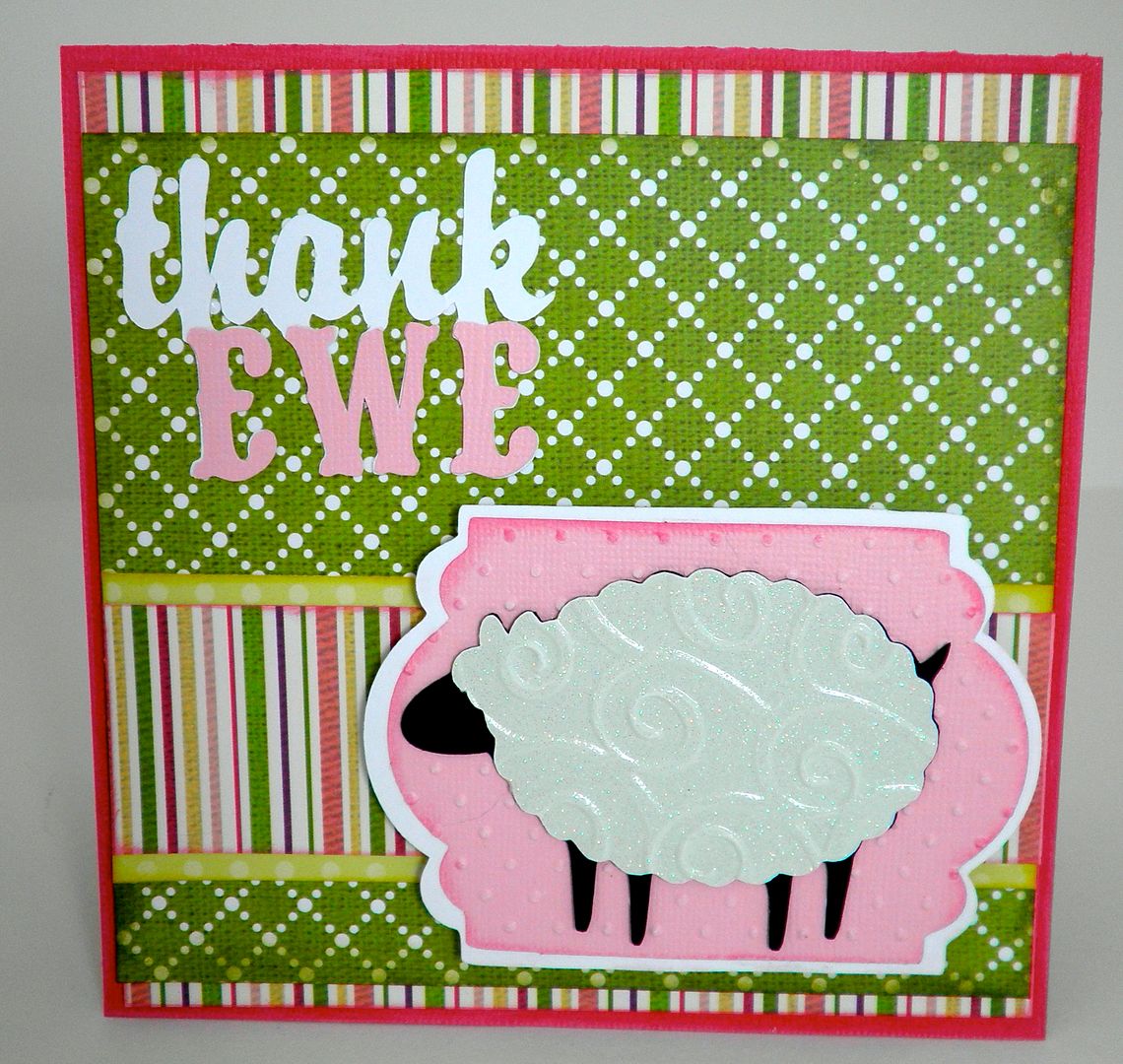
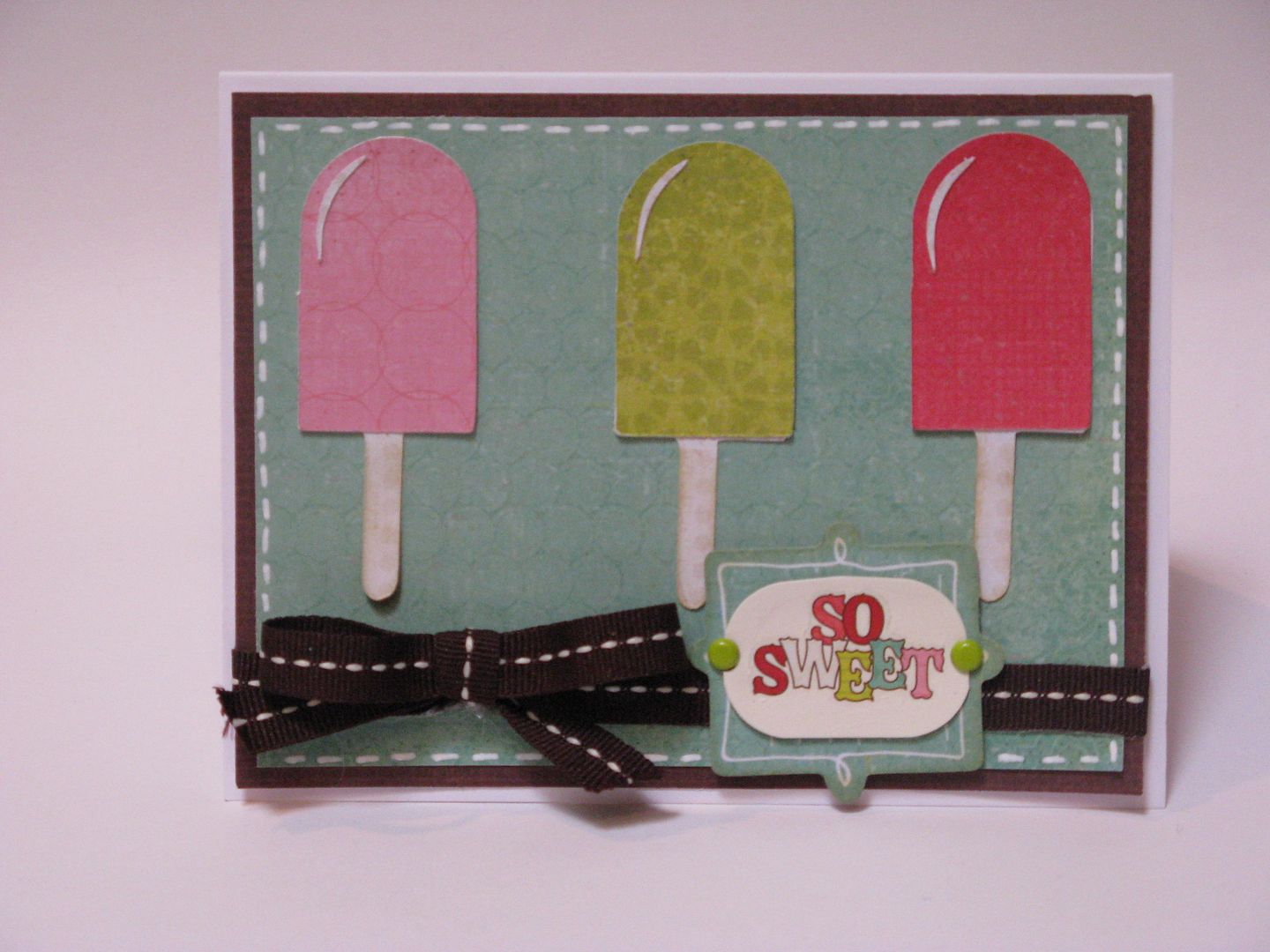
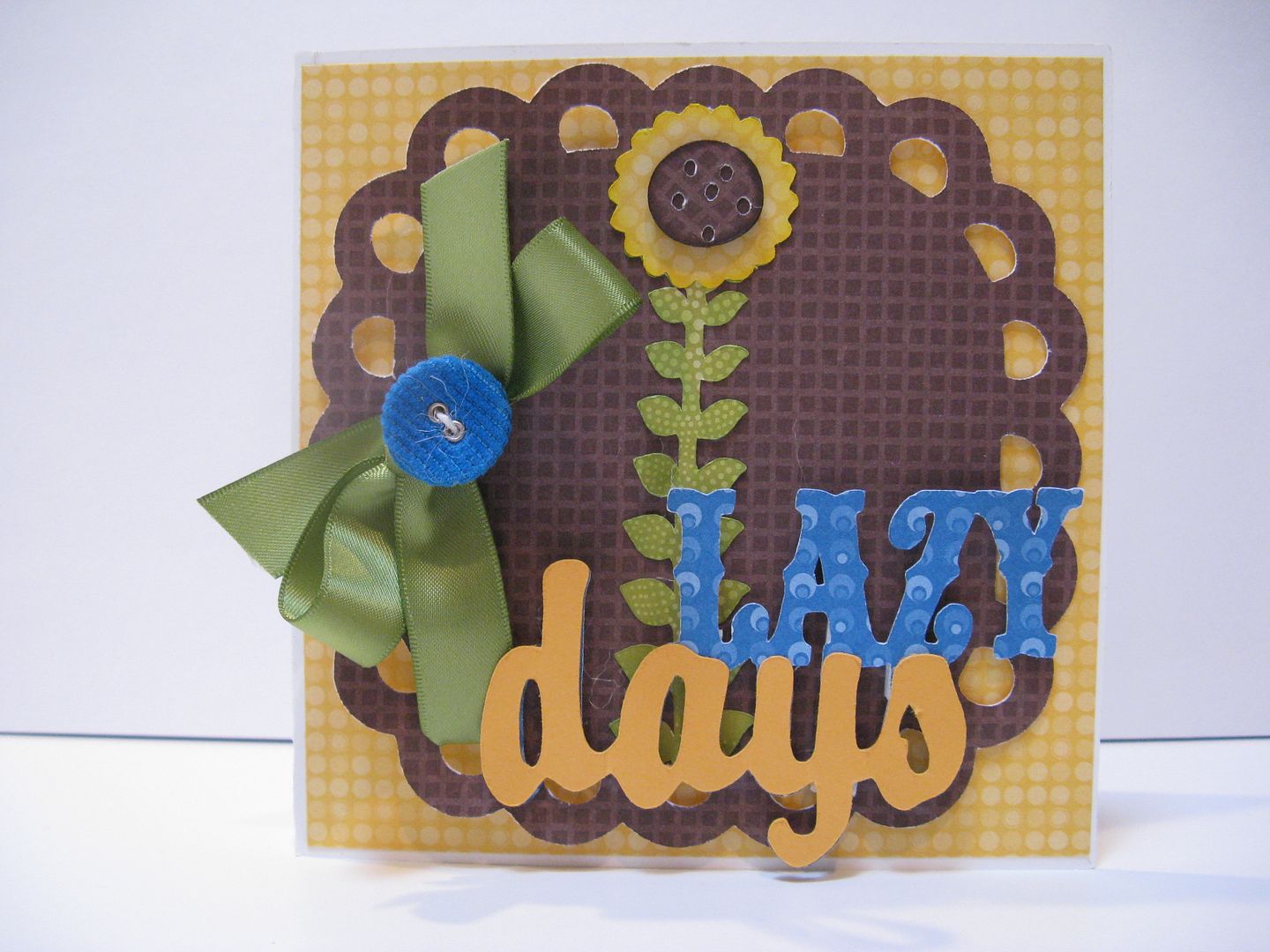
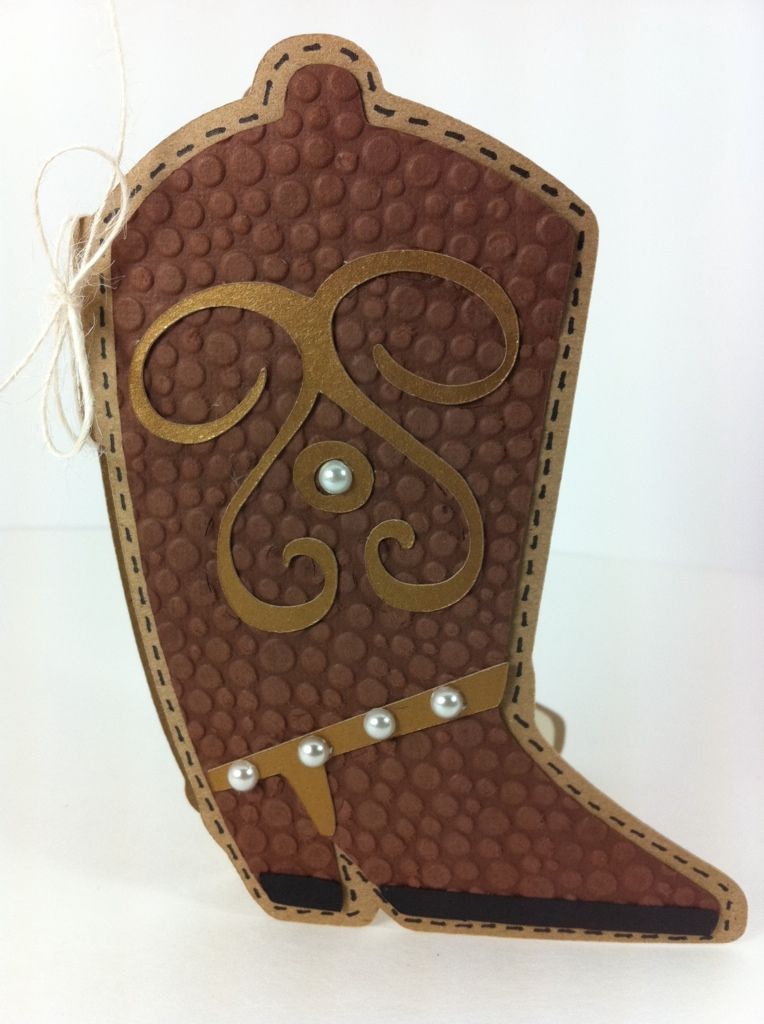
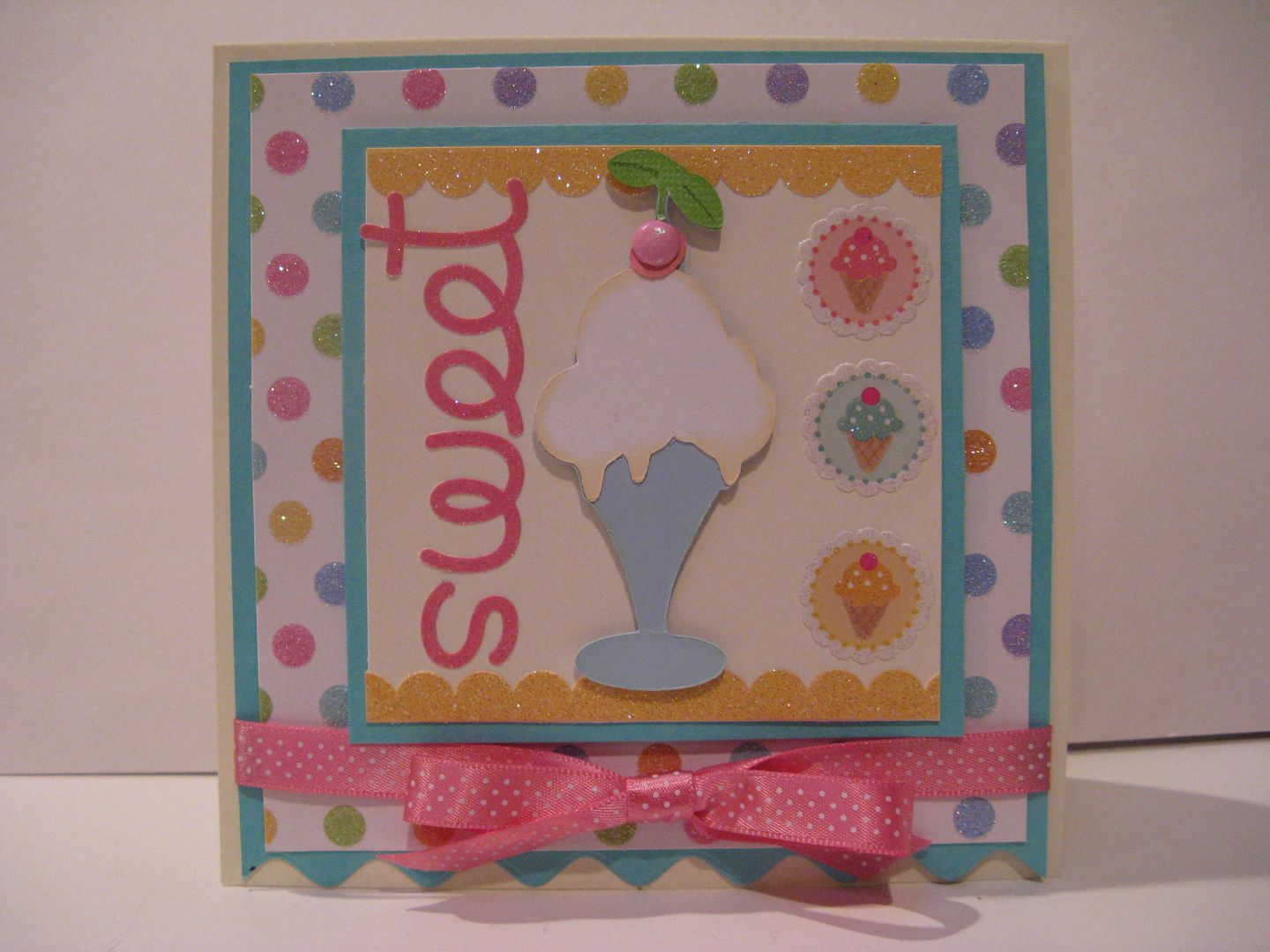
Below are a few examples of what you can create with this cartridge.  These samples and the card at the top of this blog entry were created by Jordan at CuteCuteWorld. Isn't her work adorable?
Last but not least, here is a list of all of the images and phrases on this cartridge with their page numbers.  If you find any errors in the spreadsheet, please let me know so I can correct them. If you would like to share this information on your blog, instead of copy and pasting this info, please paste a link to my site. The spreadsheet below is saved as a JPEG but you can download a PDF version of Simply Charmed here: 


Wednesday, September 12, 2012

Comprehensive Overview of Cricut cartridge "Life is a Beach"

Today we are going to take a look at the cartridge "Life is a Beach."  While this cartridge is pretty subject specific, it is packed with lots of creative features.

Let's take a look at this page out of the handbook.  Along with the primary image (Hula Girl) you also get a font, a title, a border, a photo card, a square card and a charm.  Note that the font comes in both upper and lower case and the title is not layered which is unusual for Cricut words and phrases.

All of the primary images come with layers to create contrast and dimension.  In order to get a finished image that looks like the example above (in the left corner), you will need to cut the layer several times in various colors.  To duplicate their example of the Hula Girl, you would cut the hula girl in flesh color and then you would need to select the "layers" feature key and cut the layer 6 times in 6 different colors.  Tan for the hula skirt, brown for the hair, darker pink for the flower inside her hair, lighter pink for the inside of the flower in her hair and both red and yellow for the lei.  You can "hide contours" using Design Studio (click here to learn how with Design Studio), Gypsy (click here to learn how with Gypsy) or Cricut Craft Room (click here to learn how with CCR) to avoid cutting all of the layers over and over just to use a single cut out of the bunch. If you are lazy like me, you will cut all of the cuts in the layer 6 times and discard the leftovers.

The font is unique and definitely tropical.  Below you can see all of the upper case letters and numbers.

I have a hard time judging how a font will look as a word unless I see the letters next to one another so I created this Font Quick Reference Sheet. You can download a PDF copy of the Life is a Beach Font Reference Sheet by clicking the link below. You should print it in a horizontal orientation.  If you would like to share this information on your blog, instead of copy and pasting this info, please paste a link to my site:


Now lets look at the titles that come on this cartridge.  I copied and pasted the images from the digital handbook and the quality is HORRIBLE but at least you will get an idea of what you have to work with.
As I mentioned previously, none of these titles have layers which is so unusual for Cricut.  The same is true with the borders.  Unlike Give a Hoot's borders, these are flat images, but they are still a great feature!
To use an image as a border on a 12 x 12 layout, you wouldn't want to enlarge the image to 12 inches wide.  This would make the height way to big for a page border. In order to get a long border for larger pages like 12 x 12 paper, you can either cut multiples of the border image and line them up along the edge or you can use Design Studio, Gypsy or Cricut Craft Room to weld multiple copies of the border image together.  To learn more about welding with Design Studio, click here, welding with Gypsy, click here and welding with Cricut Craft Room, click here (these are all excellent youtube video tutorials.)

To download a pdf of this border quick reference sheet click of the link below.  When you print it out, set your orientation to landscape.  If you would like to share this information on your blog, instead of copy and pasting this info, please paste a link to my site.


The remaining creative features on this cartridge include a photo card, a square card and a charm.  The charm and square card are self explanatory but I was stumped about the photo card so I posted an inquiry on the Cricut message board which was promptly answered.    
The photo card is just like a photo folder where there is a window that frames the picture.  I made one using the umbrella graphic (see photo below).  In the center of the card there is an individual umbrella to layer on top of the one welded to the card.  Therefore, in order to get two different colors, I had to cut out the Photo Card twice.
I glued the yellow umbrella to the turquoise card and vise versa.  I have to say I was annoyed that cricut doesn't cut a dotted line (pseudo score line) indicating where to score and to fold the card.  I thoughtlessly tried to fold the card corner to corner which caused the cardstock to buckle.
The Life is a Beach page in the Cricut shop has a lot of  good information about this cartridge.  They have many more views of the content then you usually find on the Cricut website, so you should definitely take a look if you have any more questions.

Last but not least, here is a list of all of the images and phrases on this cartridge with their page numbers.  If you find any errors in the spreadsheet, please let me know so I can correct them. If you would like to share this information on your blog, instead of copy and pasting this info, please paste a link to my site. The spreadsheet below is a JPEG but you can download a PDF version of Life is a Beach here:


Monday, September 3, 2012

Comprehensive overview of the Cricut cartridge Just Because Cards

Today we are going to take a look at the Cricut Cartridge, "Just Because Cards" in a different format than my other cartridge overviews.  I had a difficult time getting to know this cartridge because the completed card images in the handbook are itty bitty. I had a hard time envisioning a completed project and since  the phrases are more specific to card captions I did not invest a lot of time playing with it.  Now, after doing a boat load of investigating, Just Because Cards has become a much more exciting cartridge.  I hope you will think so too.

Above is the Sample Provocraft places on the back of the cartridge box to show you all of the primary images available to you. Each of the primary images are designed to go with their corresponding phrases as a pun or tongue and cheek kind of caption.  Truth be told, many of these types of sentiments do not appeal to me so originally, I dismissed the entire design and turned the page of my handbook.  Now I am more able to see each page as a collection of different images reminding myself of the expression I discussed last Friday... "Take what you need and leave the rest." Below is a link to a quick reference sheet with all of the phrases on this cartridge. If you find any errors in the  reference sheet, please let me know so I can correct them. If you would like to share this information on your blog, instead of copy and pasting this info, please paste a link to my site.


This is a long blog entry because I show all of the pages from the handbook and, in all but 2 cases, provide an example of a completed card created by one of the many talented crafters I discovered on the internet. The photos vary in quality, size and angle but I think it is really valuable to show you what you can do with real life examples. Under each photo, I include the artist's name and a link to the source where you can more information including step by step instructions, and many more of their amazing creations!
This is page 24  where the cartridge contents begin.


Page 25


 Page 26

Page 27


Page 28


   Creations with Christina Thomas

 Page 30

 
 By ODonna at ODonnaSmith.

 Page 31


 By ODonna at ODonnaSmith.

Page 32 


  By ODonna at ODonnaSmith.

 Page 33


Page 34

 
 By Joy at Everyday Cricut

 Page 35


Page 36


Page 37


Page 38
  
 
  By ODonna at ODonnaSmith.

 Page 40

 
By ODonna at ODonnaSmith.

Page 41


Page 42

 Tutus Love Sneakers

Page 43


 Page 44

 Stephanie at Stephanie's @ Designs

Page 45

Page 46

Sarah at Sarah's Scrap Shack


Page 47
 
Stacey at Stacey's Creative Corner

Page 48

Joy at Obsessed with Scrapbooking


Page 49


Page 50


Donna at Stampin and Scrapin with Donna Lee

Page 51

Marilyn's Cricut Cards

Page 52


Page 53


Page 54

Marissa at Heartfelt and Handmade

Page 55

 
Page 56


By ODonna at ODonnaSmith.

Page 57

 Aphra Bolyer at Cricut Blog
 
Page 58


 Jenn at Jenn's World

Page 59


Page 62


No sample - so sorry :o(

Page 65


Page 66

Shelly at Creativity Wannabee

Page 67

Laurie at Stamping Up North

Page 68


Page 69


Page 70


 Kimberly at My Craft Spot

Page 71


Made by cricutcrazyscrapper

 Page 72


 Peggy at Create with Bubbe


Page 73


Becky at Scrap Circus 

It took me 3 days (working when the kids were occupied) to locate all of these samples.  It was a lot of research but I learned so much.  I am really impressed with all of the Cricut focused sites I found during my treasure hunt and encourage you to pop over to see more of their work - it is so inspiring!  

With each page you get the following:
  • the primary image and all of its layers
  • the phrase and its shadow
  • a "sticker" which consists of a circle layer and an icon layer
  • a stencil which consists of a mat and a negative cut of the phrase (negative meaning an identical sized mat with the phrase cut out so when you stack it on the mat, the phrase is filled with the mat color)
  • the cuts for the card and for a mat/ border / accent to layer on the card.
Here is a list of all of the images and phrases on this cartridge with their page numbers.  If you find any errors in the spreadsheet, please let me know so I can correct them. If you would like to share this information on your blog, instead of copy and pasting this info, please paste a link to my site. The spreadsheet below is saved as a JPEG but you can download a PDF version of Just Because Cards here: